
Bring more than a prompt.
Use documents, images, project files and voice notes to give Idam the useful details behind the request.
MEET IDAM
Give your AI teammate the requirements, files and context behind the application. Build new features, refine the source and work through the next client request with the project in view.
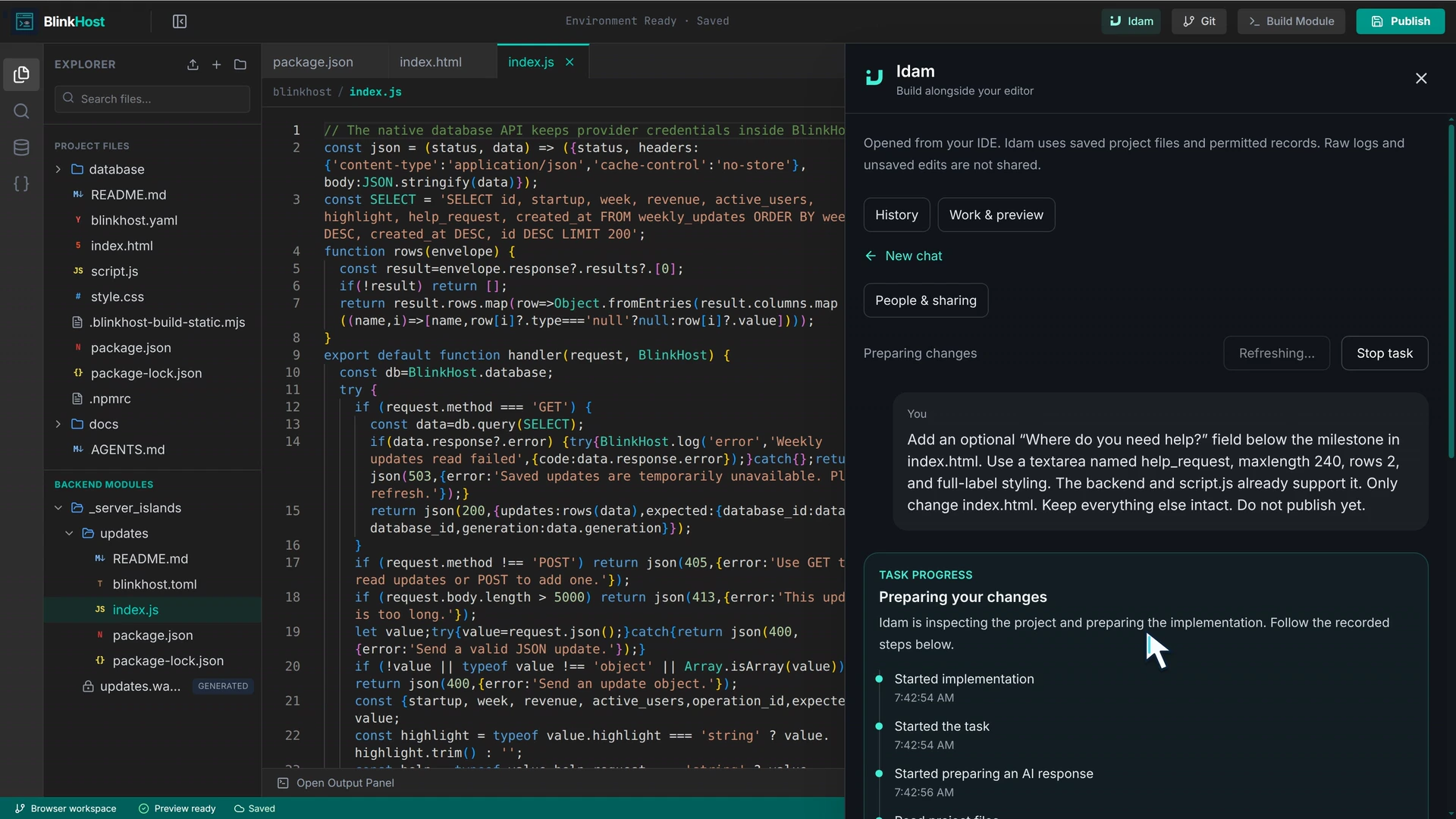
Idam works alongside the application’s editable source
A client brief is rarely just one sentence. Bring the references and business details into the conversation so the application can fit the work it needs to do.
Use documents, images, project files and voice notes to give Idam the useful details behind the request.
Connect external tools through MCP so Idam can use the context and actions you choose to share.
Explore the connectionsWork with Idam on the application, then review and adjust the code yourself whenever you want.
Explore the change in preview, check the details and continue the conversation before publishing.
Continue with the project’s existing source and conversation when the client wants another feature or refinement.
Move from the application change to build, preview and publication without assembling a new hosting stack.
THE WORKFLOW
Explain the application, the business workflow and the change you want.
Work with Idam on the source and inspect the result in the application preview.
Make the final edits and publish when the application is ready.
A FEW USEFUL DETAILS
Yes. Connect external tools through MCP when you want Idam to use their context and actions. You choose the connection and access you share.
Yes. The project source stays editable. You can make changes yourself and choose when to publish.
YOUR NEXT CLIENT APP
Start a project, explore the workflow and make the next client request a working application.